Think about everything that lives behind your passwords. Your bank account. Your emails. Your photos. Your WhatsApp. Your SASSA information. Your identity.
A password is the lock on the door to all of that. And just like a lock on your front door, the strength of that lock determines how easy it is for someone to get in without your permission.
The good news is that creating a strong password is not complicated. By the end of this article you’ll know exactly how to do it — and why the passwords most people use are far easier to crack than they think.
Why weak passwords are so dangerous
Most people choose passwords that are easy to remember — which unfortunately also makes them easy to guess. The most commonly used passwords in South Africa and worldwide include:
123456passwordabc123- Their own name
- Their ID number or date of birth
- Their phone number
- Their child’s or pet’s name
Here’s the uncomfortable truth: a criminal using basic software can guess a simple password like john1975 in less than a minute. They don’t sit at a keyboard trying combinations one by one — they use programmes that try thousands of combinations per second.
Your ID number is particularly dangerous to use as a password or PIN. Unlike a made-up word, your ID number is linked to your real identity and can be found or guessed from information you’ve shared elsewhere. We cover what criminals can do with your ID number in Article 4 of this module.
What makes a password strong
A strong password has three qualities:
It’s long. Length matters more than complexity. A short password full of symbols (R@7!) is actually weaker than a long simple phrase. Every extra character makes a password exponentially harder to crack. Aim for at least 12 characters.
It’s unpredictable. It shouldn’t contain your name, birthday, address, family members’ names, or anything that someone who knows you — or can find you on Facebook — could guess.
It’s unique. You should use a different password for each important account. The reason is simple: if one account gets compromised and you use the same password everywhere, a criminal now has the key to everything.
The three-random-words method
This is the simplest and most effective method for creating passwords that are both strong and memorable — and it’s the same method recommended by cybersecurity experts worldwide.
Choose three completely unrelated words and put them together. Then add a number.
For example:
RedChairSunday7PurpleFishMonday3TableCloudRiver12
These passwords are long, unpredictable, and easy to remember because your brain holds onto images well. “Red chair Sunday” creates a picture. A random string of characters like xK#92mPq does not.
Let’s create one together right now. Think of:
- A colour — any colour
- An object in the room you’re sitting in
- A day of the week or month of the year
- A number between 1 and 99
Put them together with capital letters at the start of each word and you have a strong, memorable password that would take a computer programme thousands of years to crack.
Never share your password — with anyone
This bears repeating clearly: no legitimate organisation will ever ask for your password.
Not your bank. Not Capitec. Not FNB. Not SASSA. Not MTN or Vodacom. Not Google. Not WhatsApp. Not a helpful person who phones you offering to fix your computer.
If anyone — by phone, SMS, WhatsApp, or email — asks for your password, PIN, or the OTP (one-time PIN) that was sent to your phone, it is a scam. Full stop.
Your OTP is particularly important to understand. When your bank sends a six-digit number to your phone to confirm a transaction, that number is yours alone. It expires within minutes and is meant only for you to type into your own banking app. The moment you read it out loud to someone else, you have handed them the key to your account.
Never read your OTP to anyone. Ever.
Use a different password for each account
Using the same password for everything is like using the same key for your house, your car, your office and your safe-deposit box. If someone gets a copy of that key, they have access to everything.
In practice, criminals regularly buy lists of leaked usernames and passwords from data breaches — occasions where large companies have had their customer data stolen. They then try those same username and password combinations on banking apps, email accounts and social media. This is called credential stuffing, and it works because so many people reuse passwords.
The three accounts that most need unique, strong passwords are:
- Your email account — because your email is used to reset all your other passwords. If someone gets into your email, they can get into everything else.
- Your banking app — for obvious reasons.
- Your phone’s lock screen PIN — because if someone gets into your phone, they have access to your banking app, your email and your WhatsApp simultaneously.
Where to write your passwords down safely
You’ve probably heard that you should never write your passwords down. This advice is outdated and, frankly, not practical for most people.
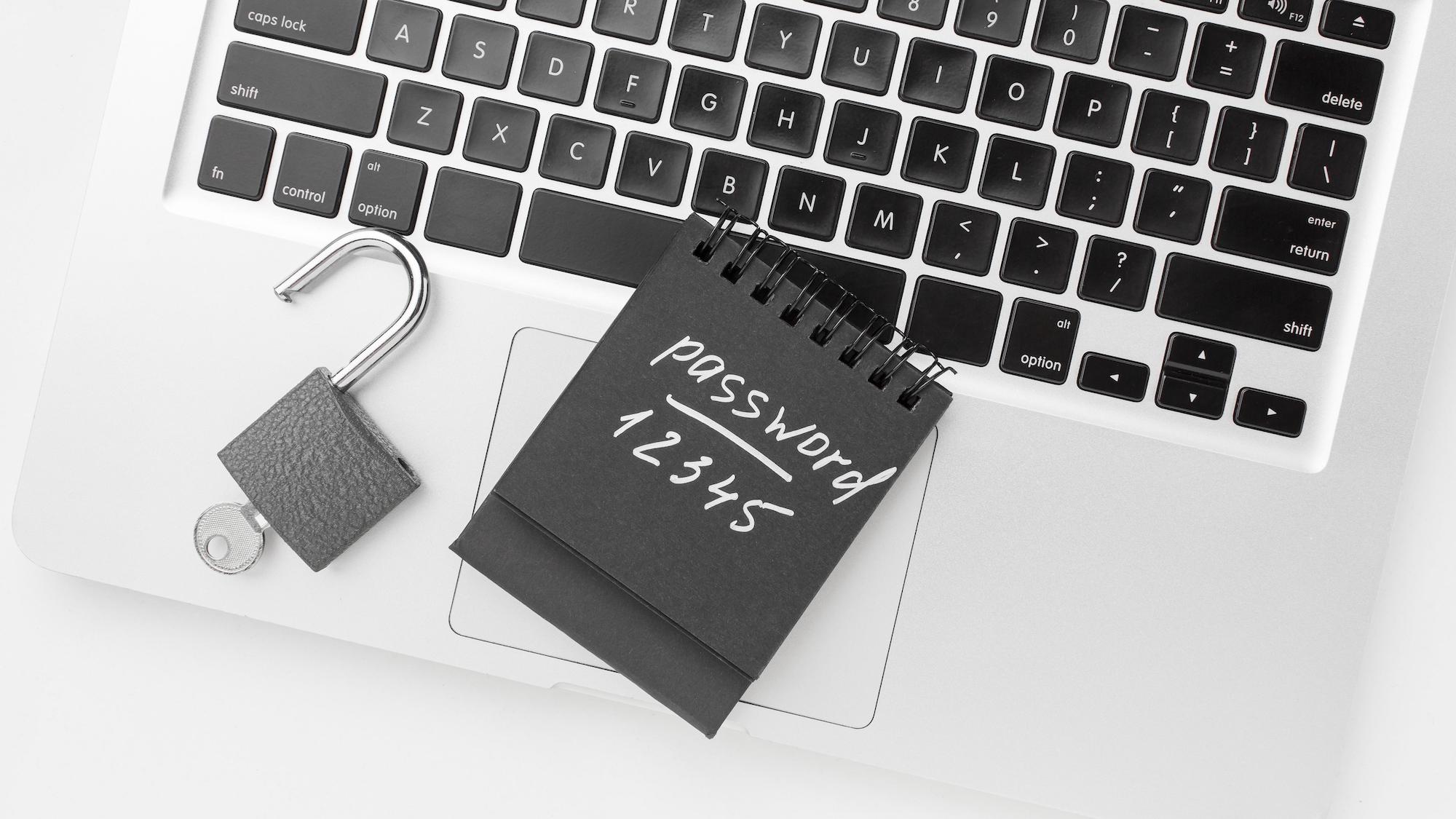
Writing your passwords in a small notebook that you keep in a safe, locked place at home is far better than using weak passwords you can remember or using the same password everywhere. The real risk is not someone breaking into your house and finding your password notebook — it’s criminals on the other side of the world trying to access your accounts remotely.
A few sensible rules:
- Write passwords in a dedicated notebook — not on a scrap of paper or a sticky note on your screen
- Keep the notebook somewhere private — not next to your computer
- Don’t write the account name next to the password if you can avoid it — just write a hint you’d recognise
- Never photograph your password notebook and send the photo to anyone
- Never store passwords in a WhatsApp message to yourself or in your phone’s notes app without a lock on it
If you’re comfortable with technology and want a more secure option, a password manager is a dedicated app that stores all your passwords safely and can generate strong ones for you. Reputable free options include Bitwarden and Google Password Manager (built into Chrome and Android). We recommend these for anyone willing to try them — but the notebook method is perfectly acceptable and far better than weak passwords.
What to do if you think your password has been stolen
If you receive a notification of a login you don’t recognise, if money moves from your account unexpectedly, or if someone tells you they’ve seen unusual activity on one of your accounts, act immediately:
- Change the password for that account right away — from your own device, not from a link in a message
- Change the password for your email account too, since it’s connected to everything
- Call your bank on the number on the back of your card if anything financial is involved
- Check your other accounts for any changes you didn’t make — recovery email addresses, phone numbers, profile names
- Tell someone you trust — a family member or friend who can help you move quickly
Try this now
Create one strong password using the three-random-words method. Write it in a safe place. Then think about the three most important accounts you have — your email, your banking app, and your phone PIN — and check whether any two of them use the same password. If they do, changing at least one of them today is one of the most useful things you can do for your own safety.