- Updates and antivirus — keeping your device healthy

- What not to share online — protecting your personal information

- Locking your phone and computer — your first line of defence

- Setting up your first Gmail address — your permanent address on the internet
- How to search for anything on Google

- Using a browser — your window onto the internet
- What is the internet — and how does it reach your home?

- Apps — what they are and how to get them safely

- Understanding data and Wi-Fi — so you don’t run out

- Looking after your computer — simple habits that help
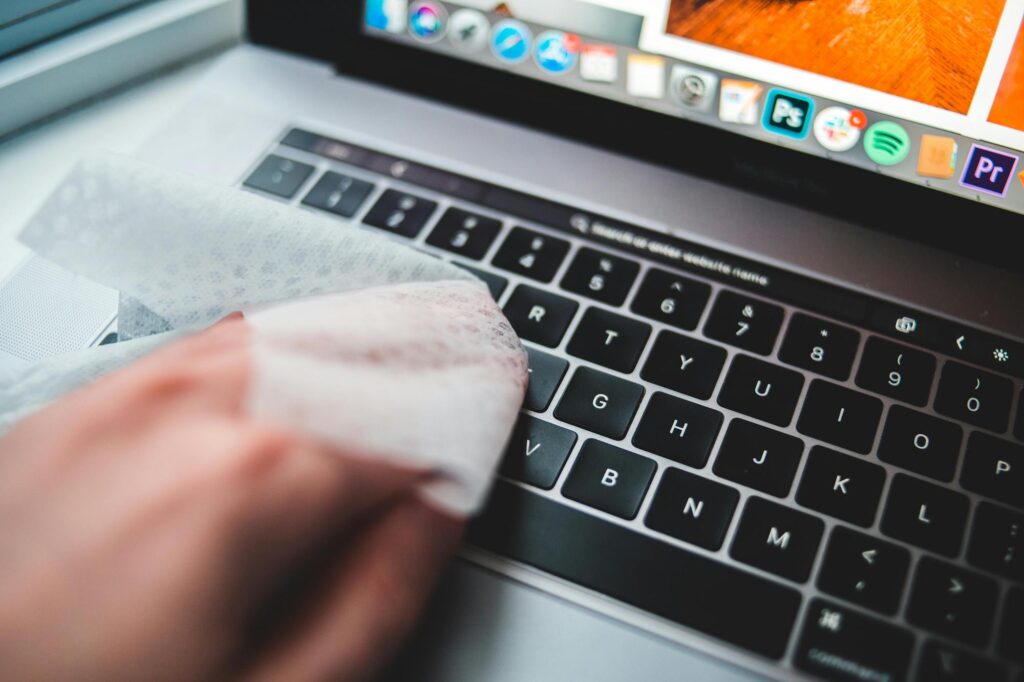
- Your keyboard — the keys you actually need

- Using a mouse and touchpad without frustration

- Making calls and sending messages — step by step

- Touchscreen basics — tapping, swiping and zooming

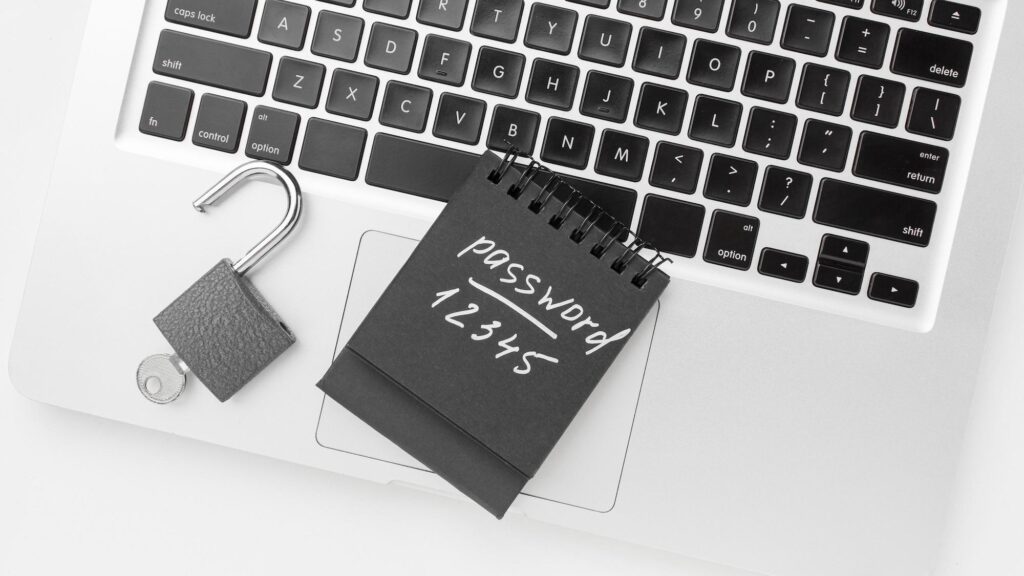
- Why passwords matter — and how to make a strong one
- Getting to know your phone — what each button does

- Flying without email or a phone wallet — how to still get your boarding pass

- Flying in South Africa — how to book, check in and get your boarding pass online

- Spotting a scam — what dodgy messages look like

- Switching on, switching off — the right way

- Meet your computer — what all those parts are for